
Standard mode
For everyone who wants a simpler, safer phone.
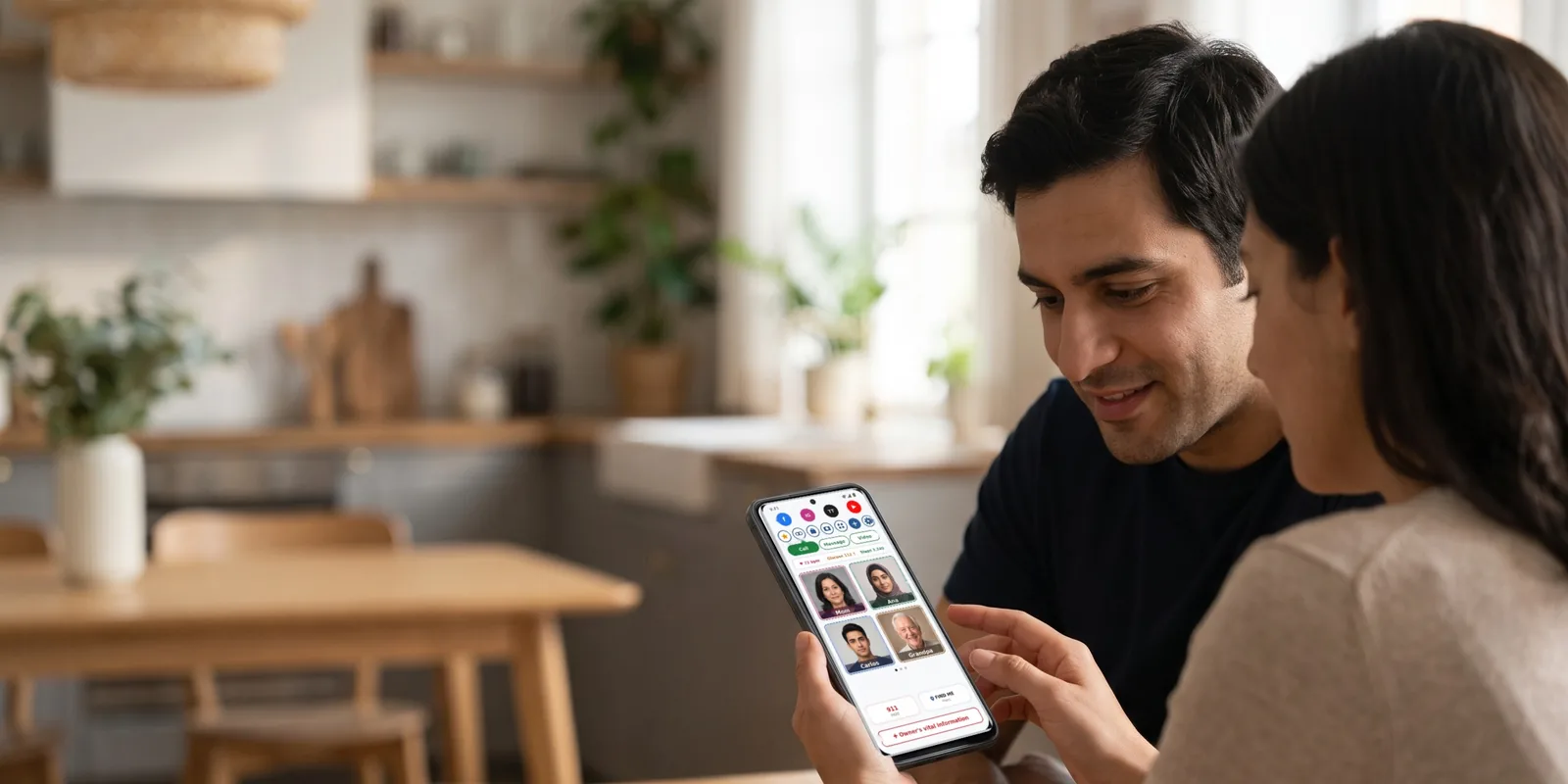
Standard mode puts the people you call most on the home screen, with everything else one tap away. It is clear enough for a grandparent and complete enough for anyone.
Faces to call
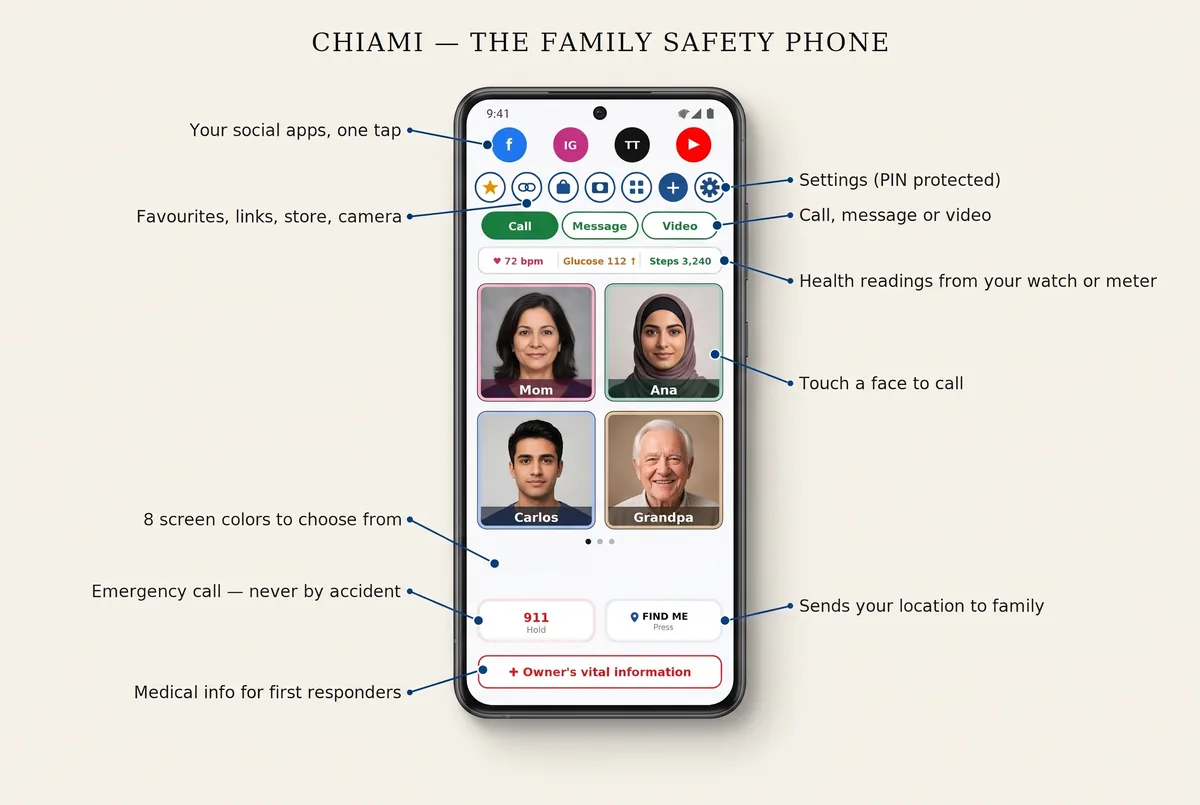
Photos of the people you love, with their name inside the photo. Touch a face and Chiami calls that person as you lift your finger. A brush of the finger against the screen is ignored, so nobody is called by accident.
Read more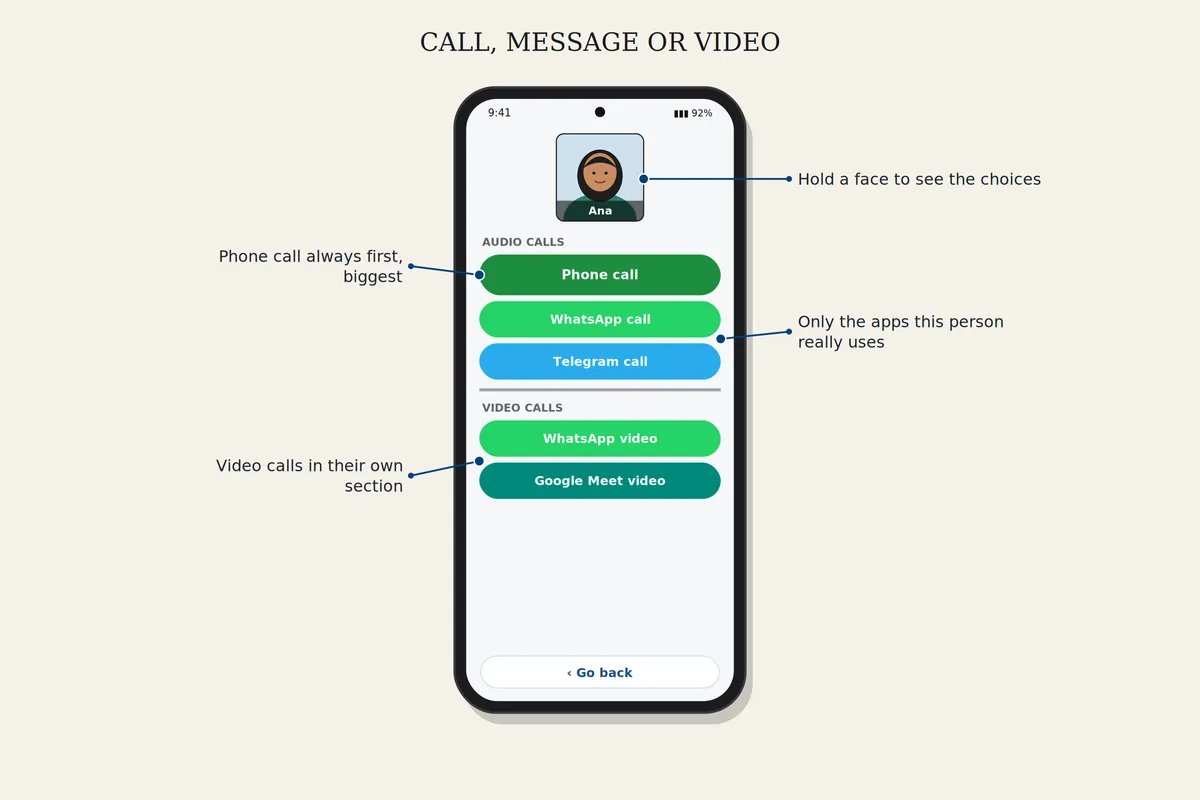
Call, message or video
Reach each person the way they use: a phone call, WhatsApp, Telegram, Signal, Viber or Messenger, and video calls with WhatsApp, Google Meet, Telegram, Signal, Viber or Messenger. Choose Call, Message or Video call at the top of the screen, then touch a face. Only the apps that person can actually use are shown.
Read more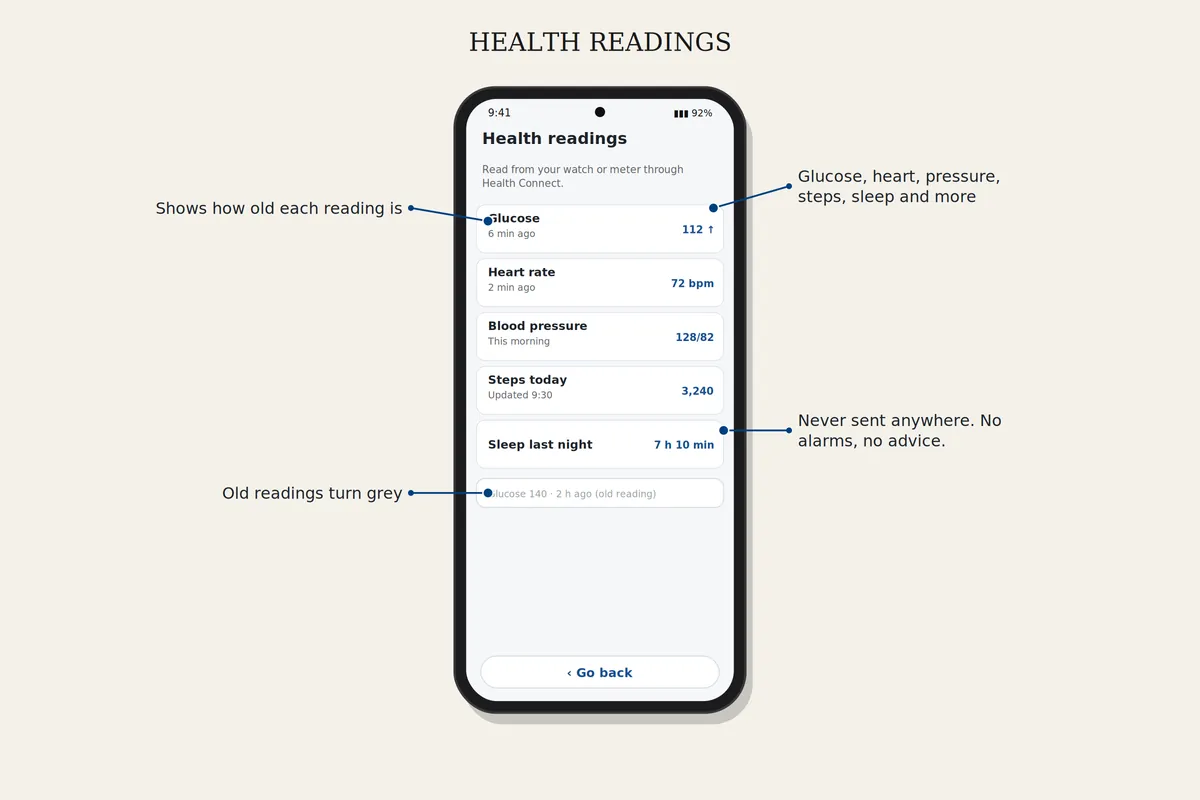
Health readings
Glucose, heart rate, blood pressure, blood oxygen, steps, sleep and more, read from your watch or meter through Android's Health Connect. Shown on your home screen and never sent anywhere. No alarms and no medical advice.
Read more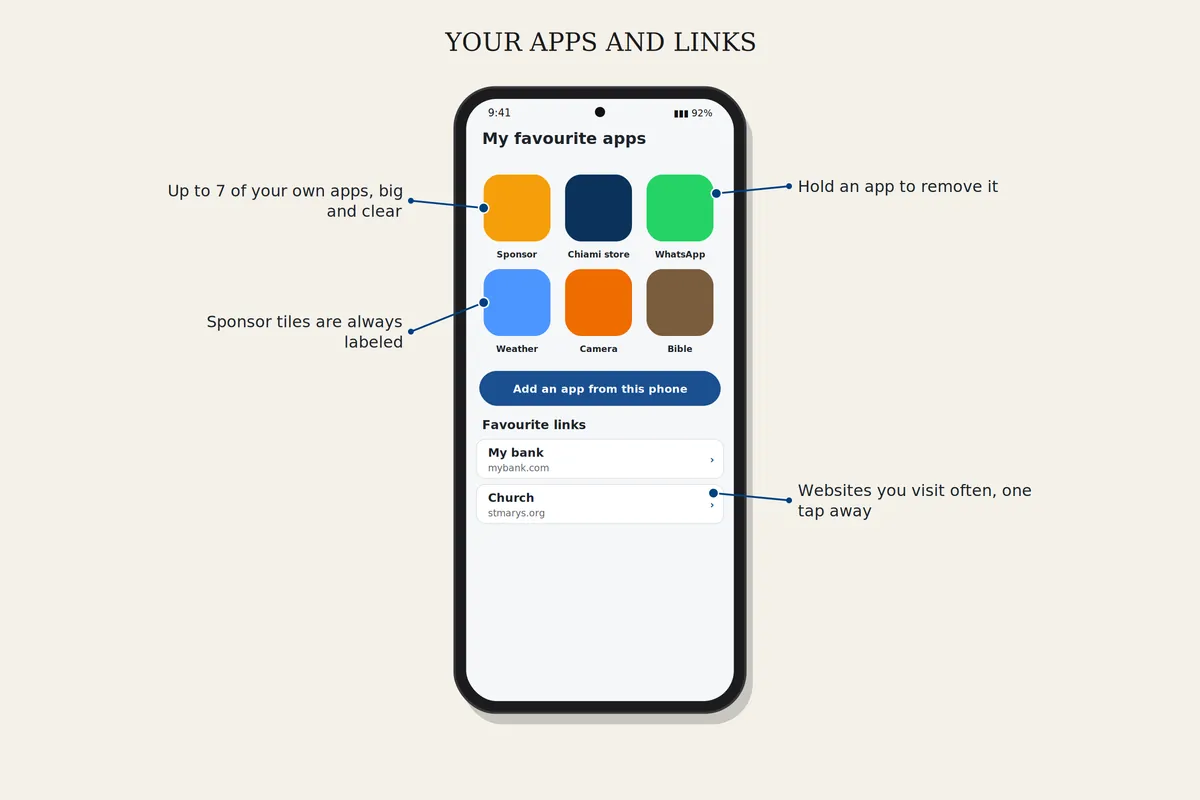
Your apps and links
Facebook, Instagram, TikTok and YouTube one tap away, plus your own favourite apps and websites on one page.
Read more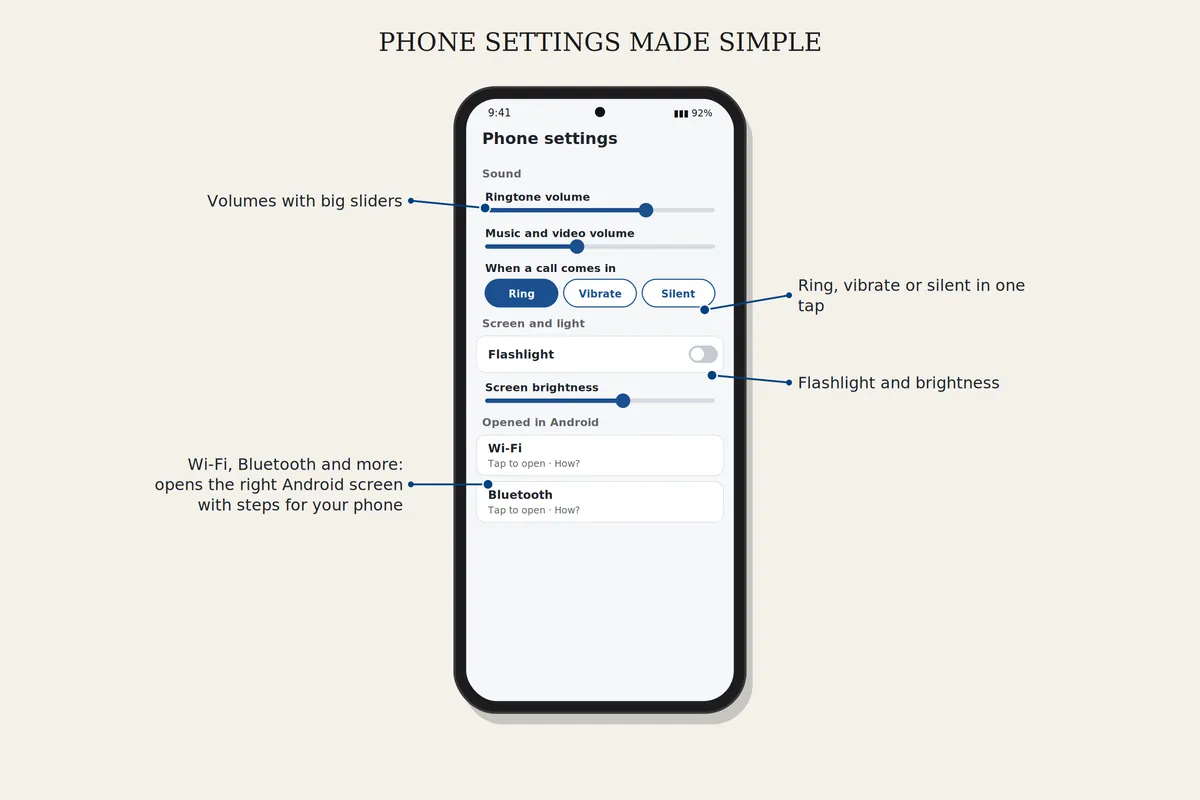
Phone settings made simple
Volume, ring or silent, flashlight, brightness and screen time on one clear page. For Wi-Fi, Bluetooth and the rest, Chiami opens the right Android screen and shows the steps for your phone's brand.
Read more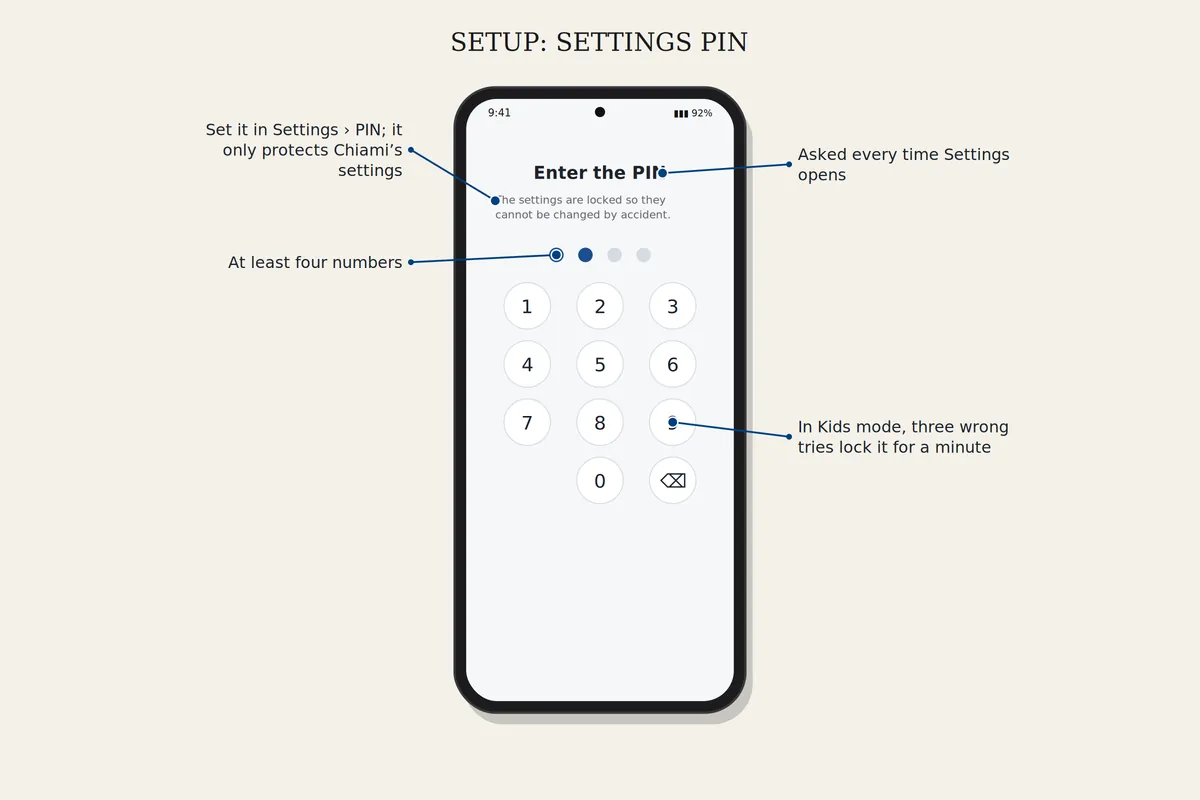
Settings locked with a PIN
Protect the settings with a PIN, so nothing changes by mistake.
Read more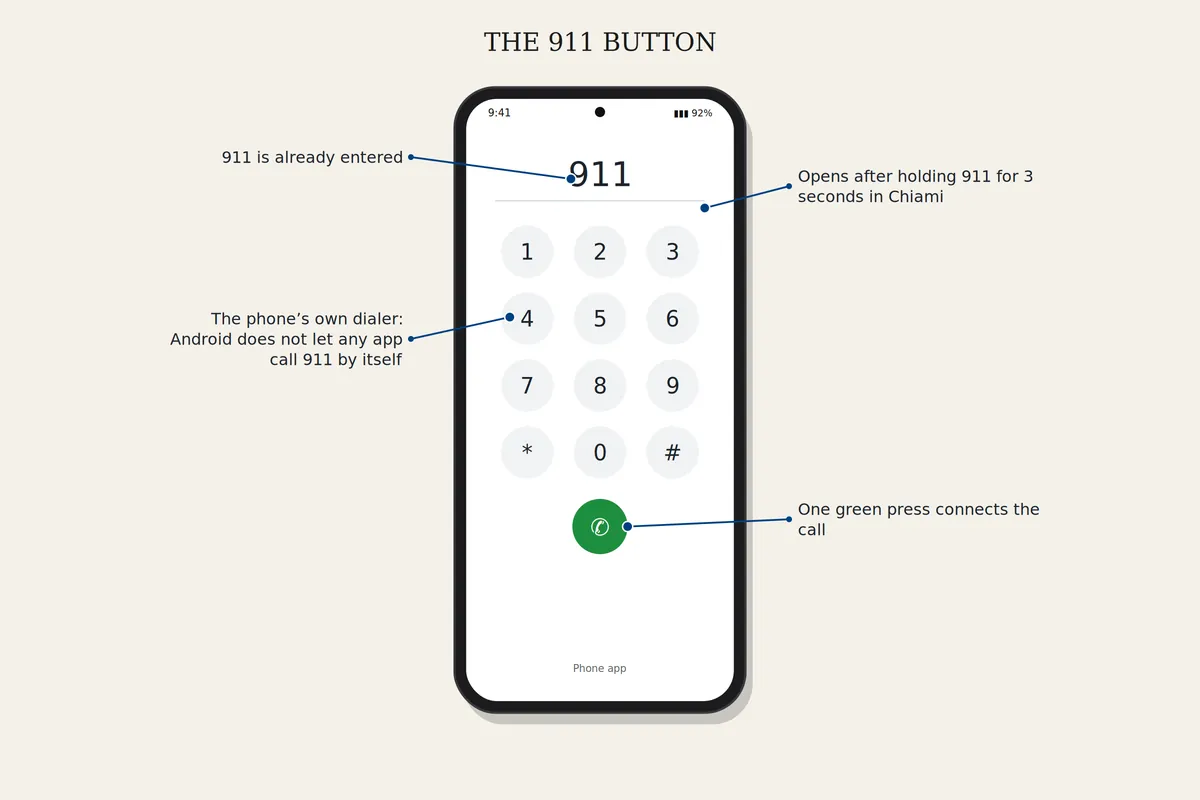
A 911 button that can't be pressed by accident
Hold the 911 button for three seconds. The phone's own dialer opens with 911 already entered, and one green button connects. Android doesn't let any app call emergency services by itself, so the last press is always yours. Outside the United States, you can set your own emergency number.
Read more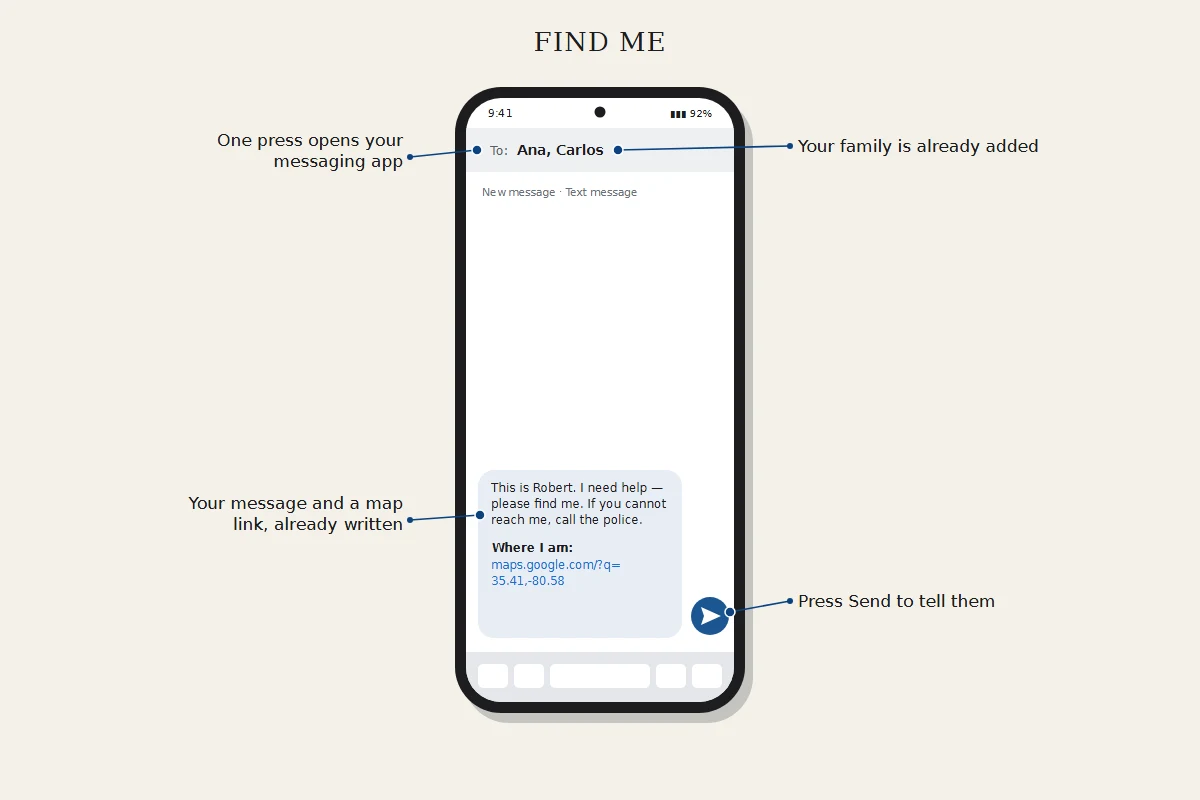
Find me
One press opens your messaging app with a map of where you are, already addressed to the family members you chose. Press Send and they have it. You can also share your live location through Google Maps.
Read more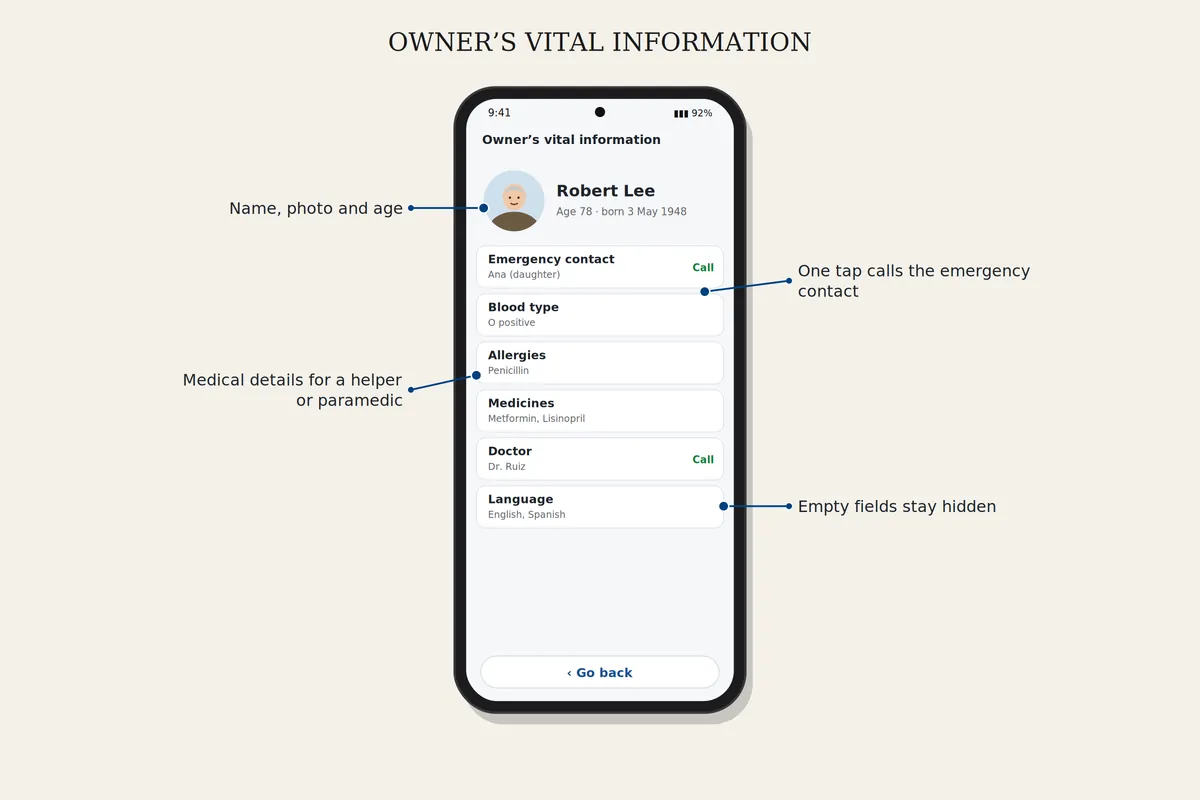
Owner's vital information
Name, allergies, medicines, blood type, doctor and emergency contacts, ready for a helper or a paramedic. Empty fields stay hidden, and you can show a name card on the lock screen.
Read more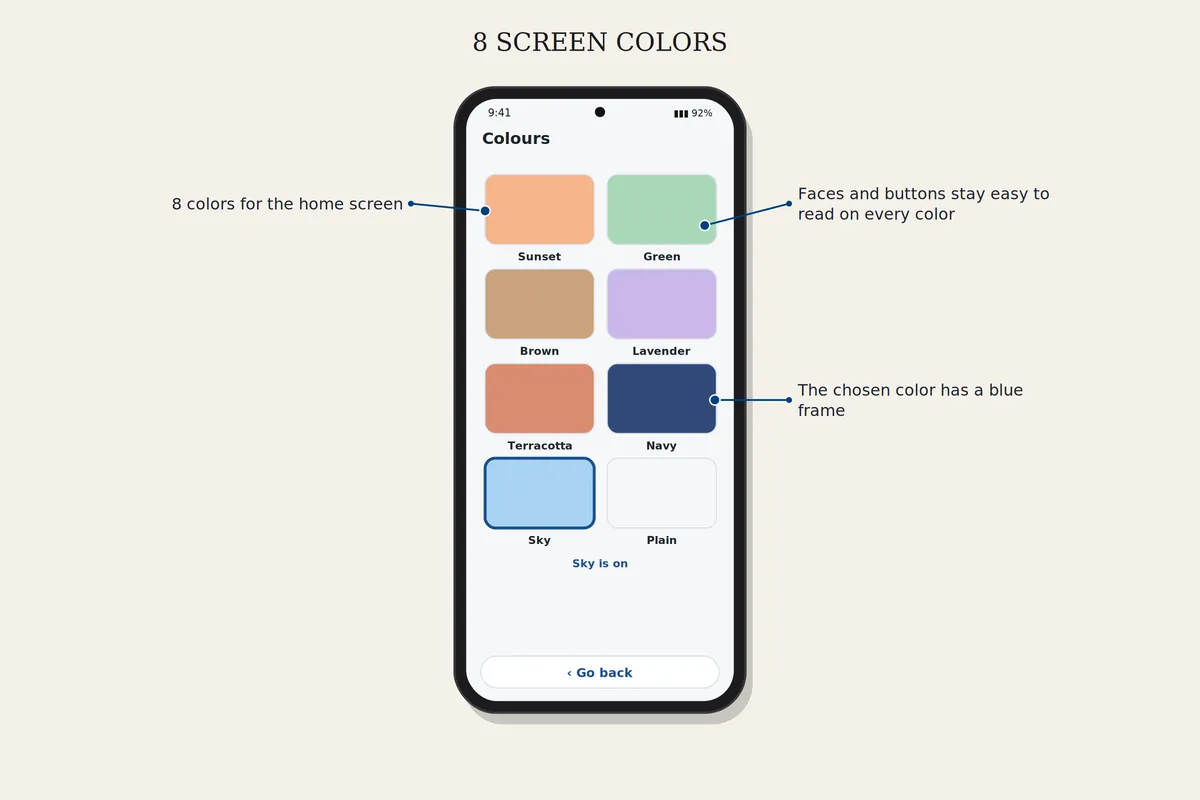
8 screen colors
Choose from 8 screen colors and give each face its own frame.
Read more